Best Resume Scanning Software for Keywords in 2025 (Review)
You uploaded your resume. You felt confident. Two days later: "Thank you for your interest, but..."
Sound familiar?
You just became a victim of Resume Scanning Software (ATS).
In 2025, 98% of Fortune 500 companies use an Applicant Tracking System (ATS) to filter candidates. If your resume doesn't contain the specific keywords the scanner is trained to find, you are automatically rejected.
The good news? You can scan your resume before they do.
Here is the ultimate guide to scanning your resume for keywords and the best software tools to do it.
What is Resume Scanning Software?
Resume scanning software acts as a specialized search engine for recruiters. Instead of reading 500 applications, a recruiter types queries like:
- "Python + React + 3 years experience"
- "Project Manager + Agile + PMP"
The software then scans every resume in the database. If your document lacks these exact terms (or synonyms), it is ranked low or discarded entirely.
The "Black Hole" Problem: Most job seekers think a human reads their resume. They don't. A robot reads it first. To get to the human, you must first please the robot.
How to Scan Your Resume for Keywords (3 Ways)
There are three main ways to check if your resume is "ATS-friendly."
1. The Manual "Job Description" Scan (Free but Slow)
This is the old-school method.
- Open the job posting on LinkedIn or Indeed.
- Copy specific "Hard Skills" (e.g., SQL, Figma, Salesforce).
- Open your resume PDF/Word doc.
- Use
Ctrl+Fto ensure those exact words appear in your "Skills" or "Experience" section.
Cons: It's prone to human error. You might miss "Client Relations" because you wrote "Customer Service."
2. General Word Cloud Tools
Tools like MonkeyLearn or WordArt.com allow you to paste job descriptions and visualize the most frequent words.
- Pros: Good for finding the "Theme" of a job.
- Cons: Doesn't tell you where to put the keywords using context.
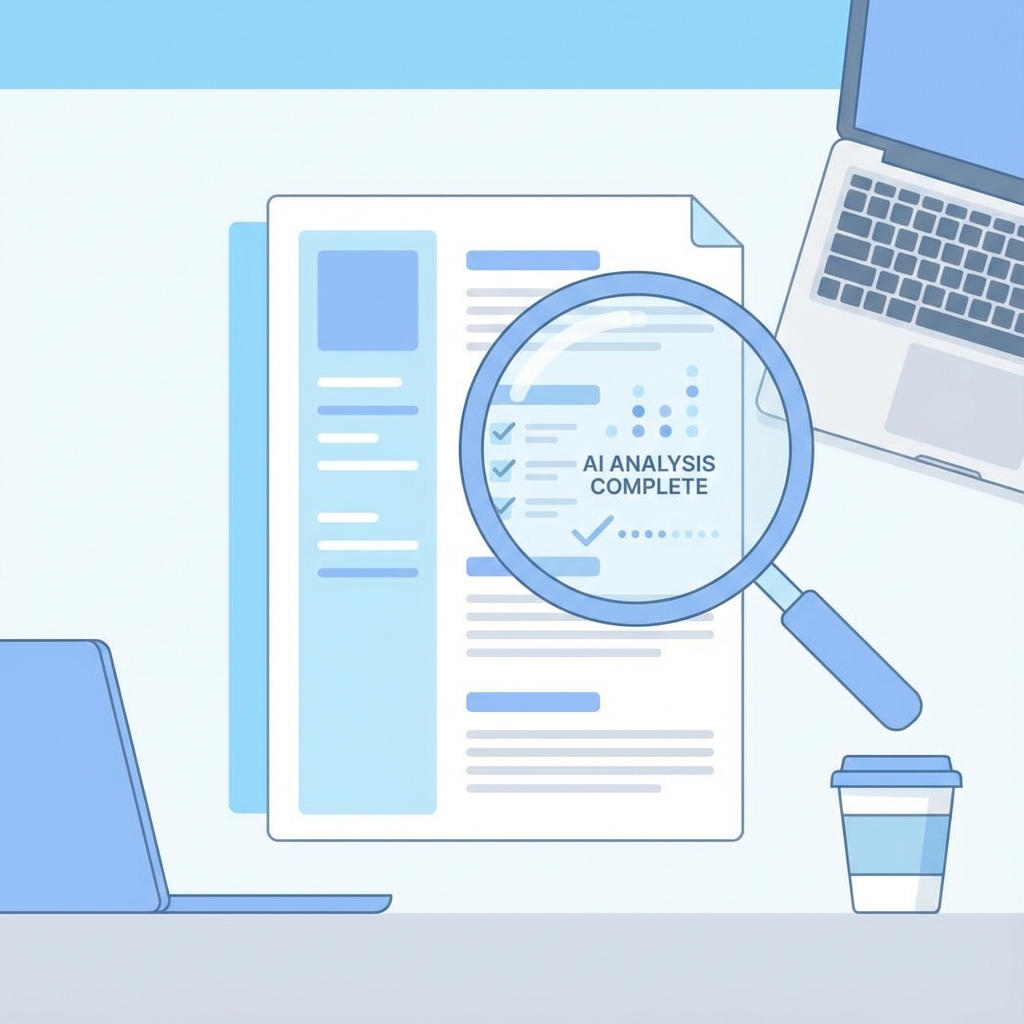
3. AI-Powered Resume Scanning Software (Best for 2025)
Modern tools use Large Language Models (LLMs) to understand context, not just count words. They can tell you: "You mentioned 'Managing,' but the job description emphasizes 'Leading Cross-Functional Teams'. Swap this phrase to rank higher."
Best Software to Scan Resumes for Keywords
1. CareerFlex (The Browser Extension)
Best for: Speed and accuracy directly in the browser.
CareerFlex is different because it lives in your browser. You don't need to copy-paste text back and forth.
- How it works: You go to a job post on LinkedIn, click the extension, and it instantly scans the job description for keywords.
- The Feature: It compares the job keywords to your uploaded resume and generates a "Gap Analysis."
- Verdict: The fastest workflow for mass applying.
2. Jobscan
Best for: Deep technical ATS matching. Jobscan is one of the oldest players. It mimics the behavior of major ATS platforms like Taleo and Greenhouse.
- Pros: Very detailed formatted reports.
- Cons: Can be expensive for premium features and requires manual copy-pasting.
3. ChatGPT / Claude (Manual Prompting)
Best for: Content rewriting suggestions. You can paste your resume and the job description into ChatGPT and ask: "Act as an ATS scanner. Which keywords am I missing?"
- Pros: Flexible and free.
- Cons: Does not calculate a match score and hallucinates sometimes.
How to Scan Job Descriptions for Keywords Effectively
Many candidates "spray and pray" keywords. This is a mistake. To scan a job description effectively, look for these three categories:
-
The "Must-Haves" (Hard Skills): These are non-negotiable. Look for software names (Jira, Excel), certifications (CPA, AWS), and languages (French, Java).
- Placement: Put these in your "Skills" section and "Summary."
-
The "Nice-to-Haves" (Soft Skills): Words like "Communication," "Leadership," and "Problem Solving."
- Placement: Don't list these. Prove them in your bullet points. (e.g., "Solved X problem by..." instead of just "Problem Solver").
-
The "Company lingo" (Culture): Does the job description say "Customer Obsession" repeatedly? Use that exact phrase. It signals culture fit.
Summary: Stop Guessing, Start Scanning
The days of sending a generic resume are over. To get interviews in 2025, you need to use Resume Scanning Software to identify the gaps in your application.
Your Action Plan:
- Download a scanner tool (like CareerFlex).
- Scan every single job description before applying.
- Tweak your resume keywords to match.
- Watch your interview rate double.
Quick FAQ: Resume Keyword Scanners
Q: How do I scan my resume for keywords? Use a resume keyword scanner that compares your CV to the job description and highlights missing terms.
Q: Can I scan a job description for keywords for free? Yes. CareerFlex offers free unlimited job analysis and shows the keywords recruiters expect.
Ready to scan your resume? Download the CareerFlex Extension
Continue Reading

Stop Applying to 100 Jobs a Day. It's Desperate (And It Doesn't Work).
The brutal truth about volume applying. Why 'spray and pray' flags you as spam and how to actually get hired with sniper-like precision.

How to Scan Your Resume for Keywords (And Why Ctrl+F Isn't Enough)
Stop getting ghosted. Learn 3 proven methods to check your resume for the exact keywords recruiters and ATS algorithms are searching for.

Reverse-Engineering the LinkedIn Algorithm: How to Rank #1 in Recruiter Searches (2025 Guide)
We analyzed how LinkedIn Recruiter actually works. Learn the hidden ranking factors, the power of 'Boolean Search', and how to force the algorithm to show your profile first.